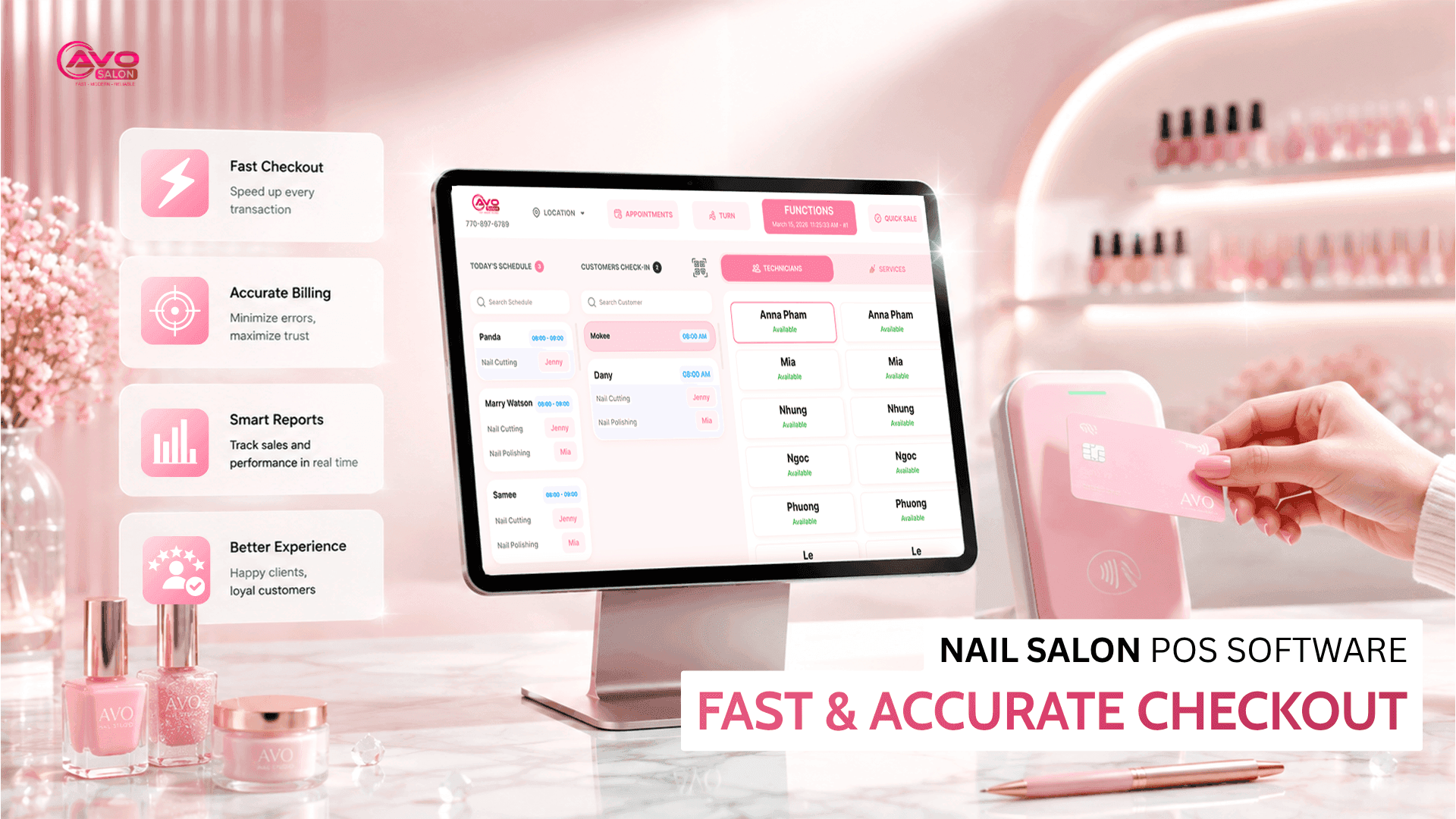
Every nail salon has experienced this situation: it’s the busiest time of the day, customers are waiting to check out, but the payment process takes too long. There may be multiple services, tips, discounts, and different payment methods to handle. If your checkout process is slow or you make a mistake when calculating the total, customers can become frustrated and your staff can become overwhelmed.
A nail salon POS system can help solve these problems by streamlining checkout, managing services and tips, and keeping your daily sales records organized. If you’re looking for a complete salon management solution, start with Nail Salon Management Software in the U.S.
1. How Is a Nail Salon POS Different from a Regular Cash Register?
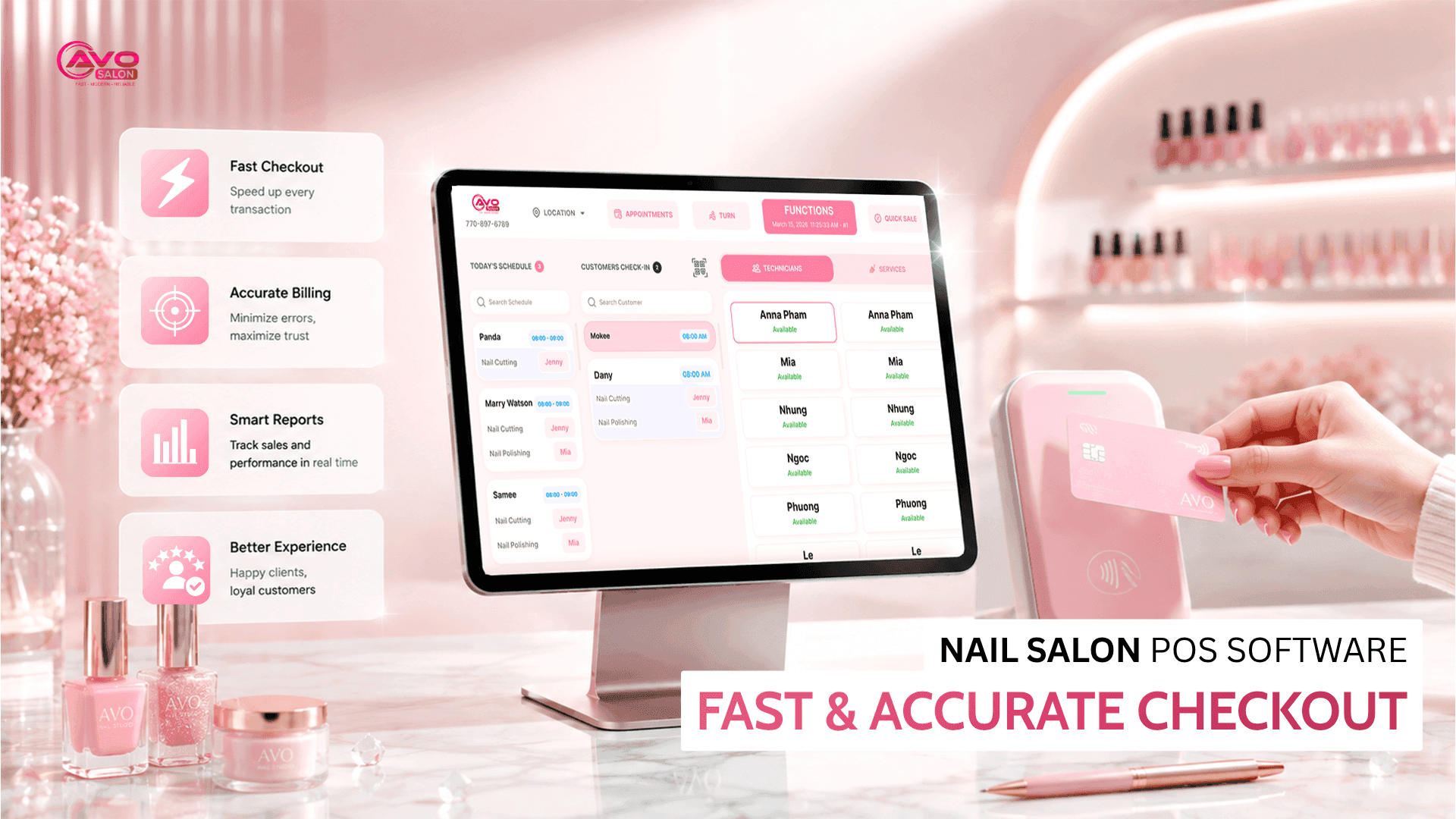
A traditional cash register mainly handles payments. A nail salon POS system, on the other hand, manages the entire checkout process and connects it with your salon operations.
- Record services and prices correctly: Each service is recorded so staff can easily track what was performed and calculate the total at the end of the day.
- Split tips for each technician: When multiple technicians work with the same client, the system can record who performed each service and calculate the appropriate tip allocation.
- Fast checkout with fewer mistakes: Instead of manually adding up multiple services, staff can select the services and let the system calculate the total automatically.
- Combine services, gift cards, and discounts: Add gift cards, promotions, packages, or customer discounts directly to the transaction instead of calculating everything manually.
- Real-time revenue and tip tracking: Salon owners can see sales and technician earnings without waiting until the end of the day to calculate everything manually.
In short, a good nail salon POS system does much more than process payments. It helps manage the entire checkout workflow and connects it with your salon operations.
2. What Should You Look for in Nail Salon POS Software?
When choosing a POS system, don’t focus only on the monthly subscription price. Here are the criteria that directly affect your daily operations and costs:
2.1. Checkout Speed
A transaction shouldn’t take several minutes just because the customer has multiple services and tips. The interface should be simple, with as few steps as possible, so staff can complete checkout quickly.
2.2. Easy Tip Management
Tips are important to technicians, so the system should make them easy to record and track. Staff should be able to see exactly how much they earned without having to calculate everything manually.
2.3. End-of-Day Reconciliation
At the end of the day, you should be able to review total sales, tips, cash, card payments, and other payment methods in one place. Without this feature, daily reconciliation can take significantly longer.
2.4. Transparent Processing Fees
Payment processing fees can become a significant expense as your salon grows. Make sure you understand exactly how much you’ll pay for each transaction and whether there are any additional fees.
2.5. Vietnamese-Language Support
Having an interface and customer support available in Vietnamese can make the system easier to use and allow you to get help quickly when you need it.
2.6. Stable System with a Backup Mechanism
Technology can occasionally experience unexpected issues. Your POS system should have reliable infrastructure and a backup solution so you don’t lose important data or become unable to process payments when something goes wrong.
Want to explore these features in more detail? See AVO POS Features.
3. iPad POS or Traditional Cash Register?
This is one of the first decisions you’ll need to make when choosing a POS system. There is no single answer—it depends on how your salon operates.
- iPad POS / tablet-based POS: Flexible, modern, and often more affordable. Staff can access the system from different locations, check reports, and manage transactions more conveniently.
- Traditional cash register / terminal: A dedicated device with a larger screen and a more familiar interface for some users. However, it can be less flexible and more limited in terms of mobility.
Whichever option you choose, look beyond the screen itself. Consider the printer, cash drawer, card reader, and payment terminal as part of the complete POS setup. See how AVO POS Hardware can support your salon.
4. Quick Comparison of Your Options
Below is a comparison of common POS options based on the criteria that matter most to nail salons:
| Criteria | Budget POS Software | Traditional POS Software | Solution Designed for Vietnamese Nail Salons |
|---|---|---|---|
| Checkout speed | Fast with a simple setup | Fast | Optimized for nail salon workflows |
| Tip management | Limited | Basic | Detailed and flexible |
| End-of-day reconciliation | Basic | Full | Full, designed for salon operations |
| Vietnamese support | Limited | Limited | Yes |
| Monthly cost | Free – ~$30 | ~$50–$90 | Based on package |
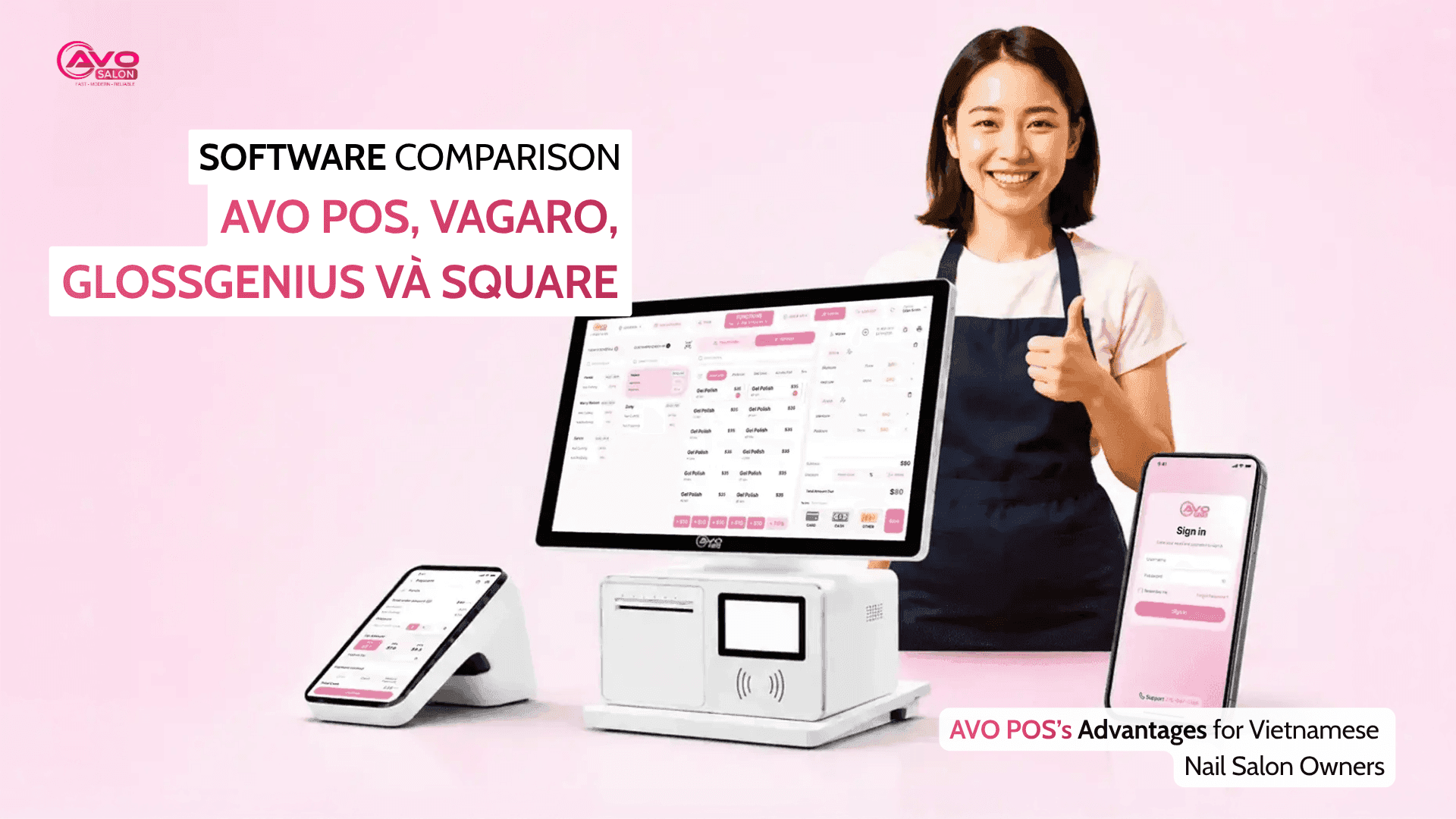
The cheapest option isn’t always the best option. Consider how much time your staff spends on checkout, tip calculations, and daily reconciliation. For Vietnamese nail salons, a solution designed around these specific workflows can provide more value.
Want to compare the available options? See AVO POS Pricing.
5. Frequently Asked Questions
Is nail salon POS software different from salon management software?
Yes, although they can overlap. POS software focuses primarily on checkout, payments, and sales, while salon management software can include additional features such as appointments, payroll, customer management, inventory, and marketing.
Can a salon that handles a lot of cash still use POS software?
Yes. A POS system can help you track cash payments and reconcile them with your daily sales, making it easier to identify discrepancies and maintain accurate records.
Can I switch from a traditional cash register to POS software?
Yes. Many POS systems can be integrated into your existing setup. You may need to check whether your current hardware is compatible and whether your staff needs training before switching.
Conclusion
Choosing the right nail salon POS software isn’t simply about finding the cheapest option. You need to consider checkout speed, tip management, end-of-day reconciliation, payment processing fees, Vietnamese-language support, and system reliability.
A POS system that handles these tasks well can save your staff time, reduce errors, and make daily salon operations much easier.
Want to see how the checkout process works? Book an AVO POS Demo or explore Nail Salon Management Software to see how you can manage more than just payments.